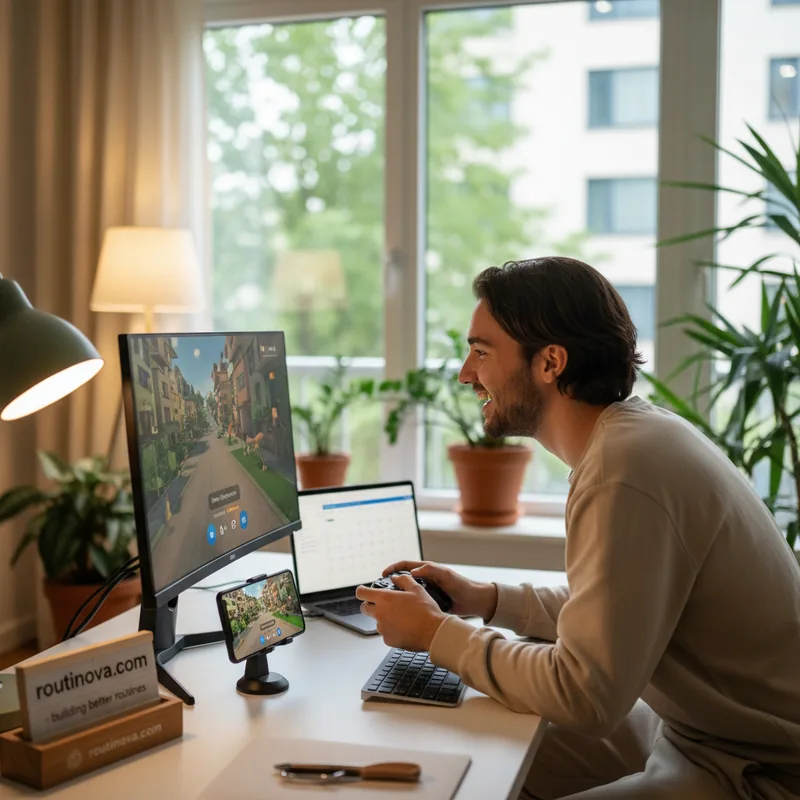
Ever wished you could seamlessly play your favorite Android games on the big screen of your PC, complete with keyboard and mouse controls? If you've been dabbling in Google Play Games for PC, you'll be excited to hear that Google just made four significant upgrades designed to make that experience even better. These aren't just minor tweaks; they represent a real push to enhance how you discover, purchase, and play mobile games on your Windows desktop.
Your Games, Now PC-Ready
The first major enhancement is Google's commitment to actively expanding the library of paid, premium Android games that are specifically optimized for PC. Unlike many mobile games that feel clunky on a desktop, these titles are fine-tuned for keyboard and mouse input, offering a much smoother and more immersive experience. Think of games like Stardew Valley or Genshin Impact - imagine those running with enhanced precision on your PC.
This means developers are putting in the extra work to ensure controls feel natural and performance is optimized, a crucial step for anyone looking to seriously game on PC. It's a welcome move that signals a growing investment in the platform's potential.
Discover and Buy Smarter
Finding the right games is also getting a significant overhaul. Google just made four changes, and two of them directly impact discovery and purchasing. First, there's a brand-new PC section within the Play Store's Games tab on mobile devices. This makes it incredibly easy to see which games are cross-platform compatible before you even think about downloading them. No more guessing if your progress will sync!
Furthermore, the days of buying a game twice are over. You now only need to purchase a game once to enjoy it on both your mobile device and your desktop. This unified purchase model simplifies your library and saves you money, making the transition between devices seamless. Imagine buying Monument Valley on your phone and having it instantly available and optimized on your PC without an extra charge.
Try Before You Buy with Game Trials
The fourth big upgrade is the introduction of Game Trials. For selected titles, you'll have the opportunity to jump in and play for free, experiencing the core gameplay before committing to a purchase. Once you hit a certain time or progress limit, you'll be prompted to buy the game. The best part? Your progress from the trial period carries over, so you don't lose any momentum if you decide to become a full owner. This feature is particularly exciting for titles like Bloons TD 6, allowing you to test out advanced strategies on PC before investing.
Getting started with Google Play Games on PC is straightforward. Simply visit the Google Play Games web portal on your Windows PC, follow the download prompts, and sign in with your Google account. Your existing game library and progress should sync automatically, provided you've played those games on an Android device previously. The interface is intuitive, allowing you to easily browse your library or explore new titles optimized for desktop play. While control mapping might occasionally require a little tweaking via the in-game keyboard icon, the overall experience is designed to be smooth and accessible.
These upgrades signal a clear direction for Google: making Android gaming on Windows a more robust, integrated, and enjoyable experience. With more optimized titles, smarter discovery, unified purchases, and the introduction of game trials, the future of mobile gaming on your PC looks brighter than ever.