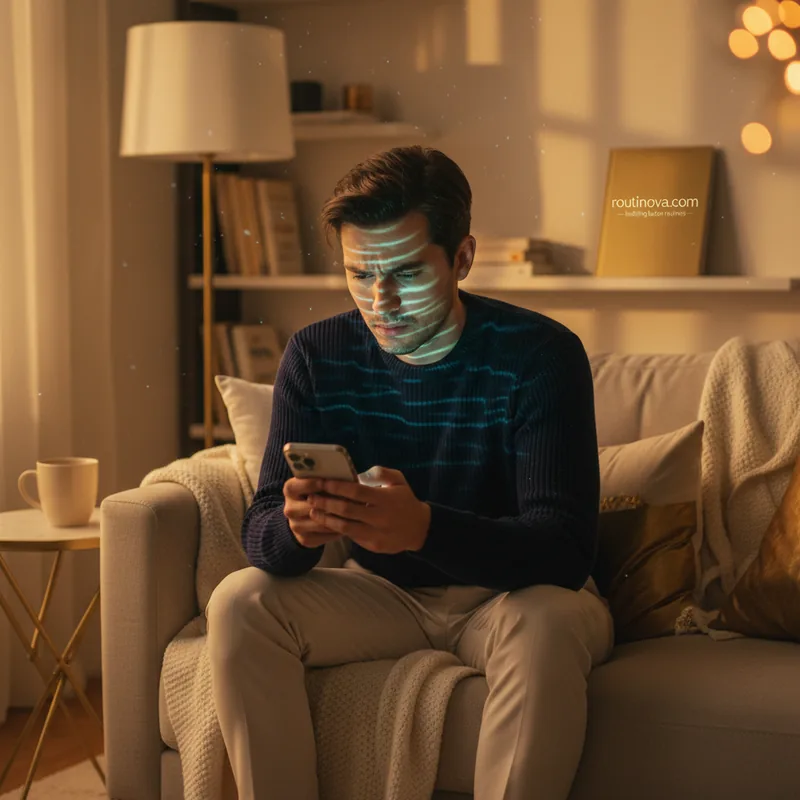
It's 3 AM. A notification flashes on your phone, but it's not a text from a friend or a work email. It's a news alert, chillingly close to home: another story of digital data compromised, private lives laid bare. You instinctively clutch your phone, a device that holds your entire world - photos, messages, banking details. A sudden chill runs down your spine. How safe is it, really? We've all felt that creeping unease, the subtle anxiety of a world where digital privacy feels increasingly fragile.
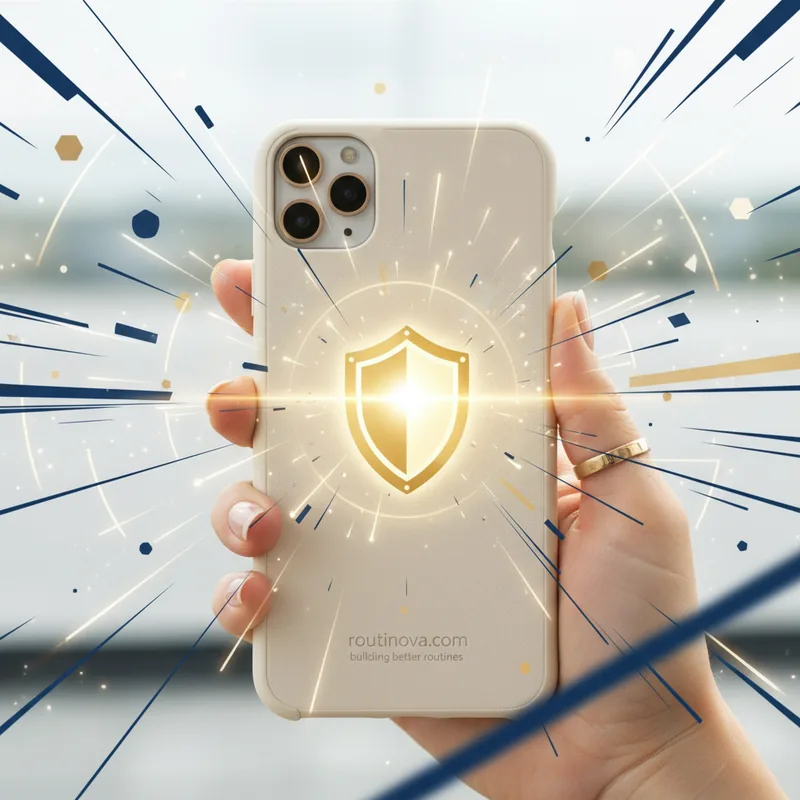
For Washington Post reporter Hannah Natanson, that unease became a stark reality. When the FBI raided her home, seizing personal and work devices, the integrity of an entire news organization hung in the balance. While some devices were compromised, one remained impenetrable: her iPhone. Why? Because it was protected by Apple's 'Lockdown Mode'. This isn't just a setting for high-profile journalists; it's a powerful option baked into your own iPhone. Apple's 'Lockdown Mode' could be your ultimate digital shield, designed for those facing targeted cyberattacks, effectively locking down vulnerabilities to prevent sophisticated intrusion.
The Digital Fortress: How Lockdown Mode Works
So, what exactly is this digital fortress, and who needs it? Lockdown Mode is a specialized security feature available across Apple's ecosystem--iPhones, iPads, Apple Watches, and Macs. It's built for individuals who might find themselves in the crosshairs of sophisticated digital threats. Think of human rights activists operating in hostile environments, government whistleblowers preparing to expose sensitive information, or corporate executives carrying confidential data on their devices (Digital Rights Foundation, 2024). For these specific users, Apple's 'Lockdown Mode' could be a crucial defense against targeted cyberattacks.
Here's the thing: attackers exploit vulnerabilities to install spyware. This could be through malicious links, infected attachments, compromised wired connections, or even hidden file downloads. Lockdown Mode drastically reduces this "attack surface," making it exponentially harder for these exploits to succeed. It's like sealing every possible crack in your digital wall.
But here's where it gets tricky: to achieve this extreme level of security, Lockdown Mode imposes significant restrictions on many functions you likely use daily. According to Apple's own documentation (Apple Support Documentation, 2024), these include:
- Messages: Most attachment types, beyond specific images, video, and audio, are blocked. Say goodbye to link previews and clickable links.
- Web Browsing: Complex web technologies are disabled, which can alter how many websites load or function. You might notice missing fonts or image placeholders.
- FaceTime: Incoming calls are restricted to contacts you've recently called (within the last 30 days). SharePlay and Live Photos are also unavailable.
- Apple Services: Invitations to services like smart home management are blocked unless you've previously invited that person. GameCenter and Focuses may not operate as expected.
- Photos: Location data is stripped from shared photos, and shared albums are removed from your Photos app. You won't receive new shared album invites, though existing ones remain visible on non-Lockdown Mode devices.
- Device Connections: Your device must be explicitly unlocked to communicate with other computers. Macs require additional approval for connections.
- Wireless Connectivity: Automatic joining of non-secure Wi-Fi networks is disabled, and existing non-secure connections are dropped. 2G and 3G cellular support are also blocked.
- Configuration Profiles: Installing configuration profiles and enrolling in Mobile Device Management (MDM) are prevented.
Crucially, some essential functions remain untouched. Phone calls and plain text messages work as normal, ensuring you can still communicate in a crisis. Emergency SOS also remains fully functional, a critical lifeline. However, incoming calls will not ring on an Apple Watch when Lockdown Mode is active.
The Trade-Off: Security Versus Usability
Now, you might be thinking: this sounds incredibly secure, but at what cost? And that's exactly the problem. These measures make it significantly more difficult for a bad actor to install spyware on your device, yes. But they also make it much more difficult to use your device in the way you're accustomed. Imagine missing out on shared family photos because invites are blocked, or struggling to access certain websites because complex web technologies are disabled. The very features that enhance our daily digital lives are precisely what Lockdown Mode restricts.
Here's the thing: this isn't a setting for the casual user. It's designed for a very narrow, high-risk demographic--individuals who genuinely believe they are targets of state-level or sophisticated private cyber espionage (Cybersecurity Insights, 2023). For the average person, the trade-off in usability would far outweigh the security benefits, which are largely irrelevant if you're not a specific target.
Remember Hannah Natanson's case? While her iPhone in Lockdown Mode remained secure, the FBI was able to access her other devices, including a MacBook Pro unlocked by her fingerprint. This highlights a critical distinction: Lockdown Mode defends against remote exploits and malware installation. It cannot, however, prevent access if law enforcement compels you to unlock your device using biometrics or a passcode, as was the case with Natanson's MacBook. The real question is why the FBI didn't simply force her to unlock her iPhone, too, given their warrant. This suggests that Apple's 'Lockdown Mode' could offer protection even against sophisticated forensic attempts, or perhaps the agency simply didn't pursue that avenue.
Activating Your Digital Shield
If, after understanding these stringent restrictions, you still believe you fall into the category of individuals needing this extreme protection, then activating Lockdown Mode is straightforward. First, ensure your Apple devices are running the necessary software versions. For iPhones and iPads, you'll need iOS 16 or iPadOS 16 or later. Apple Watch users require watchOS 10 or later, and Mac users need macOS Ventura or later. Always update to the latest software for the most comprehensive protections, as Apple's 'Lockdown Mode' could gain additional features in newer operating systems like iOS 17 and macOS Sonoma.
Activating Lockdown Mode is a device-by-device process; you'll need to enable it individually on each Apple product you wish to secure. Navigate to the "Privacy & Security" section within your device's Settings (or System Settings on Mac). Scroll to the bottom, where you'll find the "Lockdown Mode" option. Tap "Turn On Lockdown Mode," review the comprehensive pop-up detailing the impact, and confirm by tapping "Turn On Lockdown Mode" again.
Finally, you'll be prompted to "Turn On & Restart." After entering your device's password or passcode, your device will reboot, and Lockdown Mode will be fully active. For certain individuals, Apple's 'Lockdown Mode' could be an indispensable tool for digital safety, but remember, it's a measure taken when the stakes are exceptionally high (Apple Support Documentation, 2024).