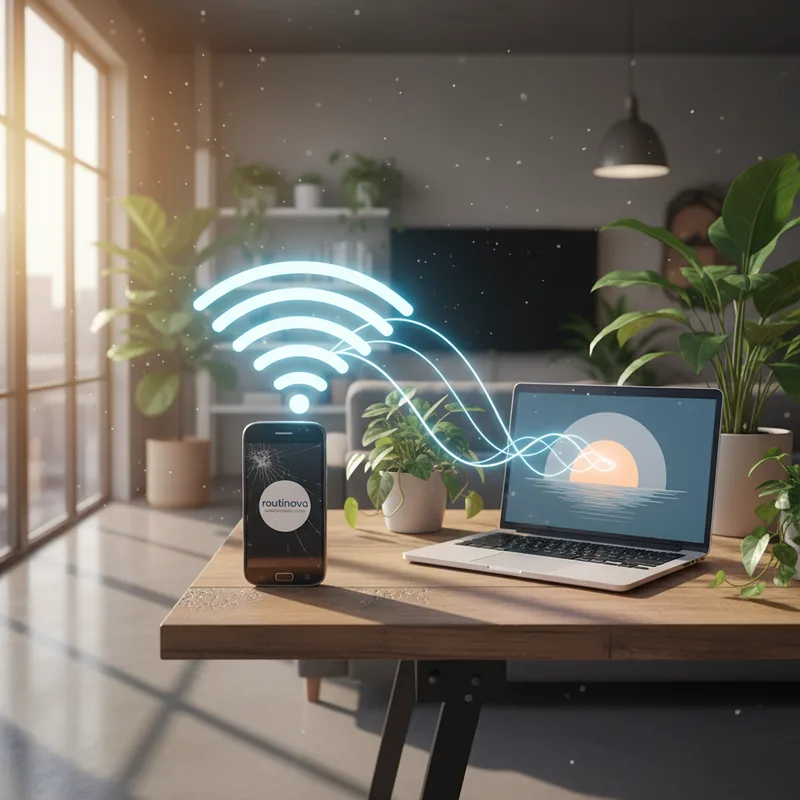
Have you ever found yourself in a room where your phone's WiFi signal seems to vanish into thin air, leaving you disconnected and frustrated? That dead zone might be closer to being a thing of the past than you think. If you've got an old Android device lying around, there's a surprisingly simple way to breathe new life into it: turning it into a WiFi extender. This clever trick can help rescue your home network from those pesky signal black spots.
Give Your Old Android a New Mission
We all have them - those once-beloved smartphones that have been relegated to a drawer, forgotten. Before you consider discarding it, know that you can turn an old Android phone into a valuable tool for your home network. While dedicated WiFi extenders exist, they can be an unnecessary expense if you already have a spare device. This method leverages the built-in capabilities of your Android phone to rebroadcast an existing WiFi signal, effectively extending its reach into those forgotten corners of your home.
The core idea is to use your phone as a WiFi repeater. It won't magically make your internet faster - the speed it receives is the speed it will retransmit. However, it can significantly expand the area your WiFi signal covers. Think of it as a digital bridge, carrying the internet connection from your router to areas where the signal would otherwise be too weak to connect.
This is a fantastic way to give a redundant device a purpose, especially if its cellular capabilities are no longer active or needed. It's a practical application of technology that you can turn old gadgets into something useful again, saving you money and reducing e-waste.
Activating Your Phone's Hotspot Capabilities
The exact steps might vary slightly depending on your Android model, but the fundamental process involves activating your phone's built-in WiFi hotspot feature. This feature, often found within the 'Network & Internet' or 'Connections' settings, allows your phone to create a new WiFi network using its existing internet connection. For instance, on a Google Pixel, you'd navigate to Settings > Network & internet > Hotspot & tethering and enable 'Wi-Fi hotspot'.
When setting up your hotspot, you'll typically be able to customize the network name (SSID) and password. It's often recommended to give this new network a distinct name from your primary WiFi to easily identify it. Some users prefer to keep the same name and password for seamless roaming, though this can sometimes lead to connection confusion for devices. Experiment to see what works best for your setup.
Crucially, ensure that the 'Turn off hotspot automatically' option is disabled. You want your WiFi extender to remain active at all times. Also, consider the frequency band: enabling both 2.4GHz and 5GHz options (if available) can improve compatibility with a wider range of devices. To keep your repeater running without draining its battery, you can turn old phone into a WiFi extender by keeping it plugged into a power source.
If your old phone still has a SIM card inserted, it's vital to ensure it's configured for WiFi-to-WiFi tethering, not cellular. Removing the SIM card or disabling cellular data entirely is the surest way to guarantee your phone is extending your home WiFi, not consuming your mobile data plan. On Samsung Galaxy devices, this is typically found under Settings > Connections > Mobile Hotspot and Tethering.
Putting Your New WiFi Extender to the Test
The effectiveness of your repurposed phone as a WiFi extender can vary. While it won't match the performance of a high-end mesh network system, it can offer a significant improvement for small-scale dead zones. Imagine trying to get a stable connection in your home office or a back bedroom - this trick can make that a reality.
For example, a user with a Samsung Galaxy S23 Ultra found that placing the phone in a hallway outside their home office effectively boosted the signal. Their average broadband speed of around 250 Mbps dropped to approximately 70 Mbps when connected through the phone's hotspot in the office. While a reduction, this speed was more than sufficient for video conferencing and browsing (Source: TechRadar, 2024). Another user reported similar results with an older Google Pixel, managing to extend WiFi to their patio for occasional use, albeit with slower speeds than their main router.
The key is positioning. Experiment with placing the phone strategically between your main router and the area with weak reception. Even a few feet can make a difference. Remember, you can turn old phones into useful network boosters, but older hardware might have limitations. Some very old devices might not support the advanced hotspot features needed for this to work optimally. However, for many modern Android phones, this is a readily available and surprisingly effective solution.
Ultimately, giving an old Android phone a second life as a WiFi extender is a practical, cost-effective solution for many common home networking problems. It's a testament to how you can turn old technology into something that enhances your daily digital life.