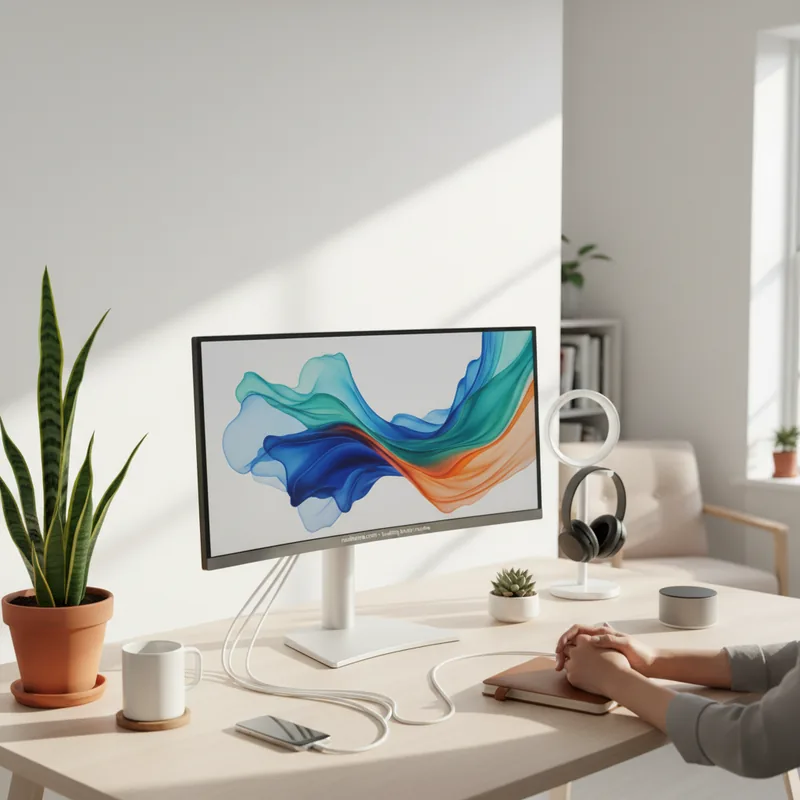
It's 8 PM. You've just settled onto the couch, ready to unwind with a movie. You glance at your TV, noticing the familiar HDMI ports, but then your eyes drift to a couple of USB slots you rarely think about. What are they really for, beyond that one time you tried to plug in a dusty MP3 player? These seemingly simple ports on your TV or monitor are often underutilized powerhouses, offering a surprising array of functionalities that can simplify your life and declutter your space. Let's explore the best ways to make use of these convenient connections.
Power Up Your Gadgets
The most universal application for your TV or monitor's USB ports is surprisingly simple: charging. Think of them as convenient, always-on power outlets. You can easily top up your smartphone, tablet, or e-reader without searching for a free wall socket. While charging speeds can vary, especially on older or more basic televisions, it's a fantastic way to keep your essential devices powered up, particularly in a living room or office setting. This is one of the best ways to make your entertainment center work a little harder for you.
For those with higher-end monitors, especially those supporting USB Power Delivery (USB-PD), the charging capabilities extend significantly. Some of these monitors can even charge larger devices like laptops through a single USB-C cable that also handles video and data transfer. This not only declutters your desk but also streamlines your workflow. Brands like Dell offer monitors, such as the U2725QE, that excel in this area, turning your display into a central charging hub (Dell, 2023).
Furthermore, certain Android smartphones, when paired with compatible monitors, can unlock desktop-like experiences. Technologies like Samsung DeX or Google's Desktop Mode allow you to project a full desktop interface from your phone onto your TV or monitor via a USB-C connection. Imagine connecting your phone to your large screen for a more productive workspace, all while it charges simultaneously.
Declutter Your Desk with Integrated Hubs
Many modern monitors, particularly those aimed at productivity or gaming, incorporate USB hub functionality directly into their design. If you see multiple USB-A ports on the back or side of your monitor, chances are they are acting as a built-in USB hub. This means you can plug your keyboard, mouse, webcam, or external hard drive directly into the monitor instead of routing cables all the way back to your computer.
This integration offers a cleaner aesthetic and simplifies cable management. A single USB cable often connects the monitor to your computer, serving as the 'upstream' connection for all the peripherals plugged into the monitor. It's one of the best ways to make your workspace feel significantly tidier and more efficient. Some advanced monitors even include an Ethernet port, providing a stable, high-speed wired internet connection for your laptop or desktop directly through the display, like the ViewSonic VG2456 (ViewSonic, 2023).
Think about the convenience: plug in your gaming controller, a USB microphone for calls, or even a small desk fan for those warmer days, all without occupying precious ports on your computer. This integrated hub feature is a subtle yet powerful upgrade for any setup.
Expand Your Display's Capabilities
For televisions, a common and often overlooked use for USB ports is media playback. You can plug in a USB flash drive or external hard drive containing photos, videos, or music, and your TV can often play them directly. While the user interface might not be as slick as dedicated media players or streaming apps, it's a straightforward method for accessing your local media library on the big screen. This is especially handy for slideshows during gatherings or for quickly viewing downloaded content (Sony, 2024).
This functionality isn't limited to TVs. By using the USB hub feature on monitors, you can also connect external storage devices to your computer for quick file access or backups. While streaming services have reduced the reliance on physical media, this feature remains valuable for many users. Ensure your drive is formatted correctly and check your device's manual for supported file formats to ensure compatibility. A reliable portable drive like the WD Elements is often suitable, but always verify the manufacturer's specifications (Western Digital, 2023).
Beyond storage, some monitors integrate KVM (Keyboard, Video, Mouse) switch functionality. This is a game-changer if you use your monitor with multiple computers, such as a work laptop and a personal desktop. You can connect your keyboard and mouse to the monitor's USB ports and then switch control between your computers seamlessly, often via a button on the monitor or through its on-screen menu. This eliminates the need for separate peripherals for each device, further simplifying your setup. High-performance monitors like the Gigabyte M32U often include this feature, catering to users who demand versatility and efficiency (Gigabyte, 2023).
Ultimately, those USB ports on your TV and monitor are more versatile than you might think. By understanding their capabilities and exploring the best ways to make them work for you, you can enhance your charging convenience, streamline your workspace, and unlock new ways to interact with your devices. Take a moment to explore your own setup - you might be surprised at the potential you've been overlooking.