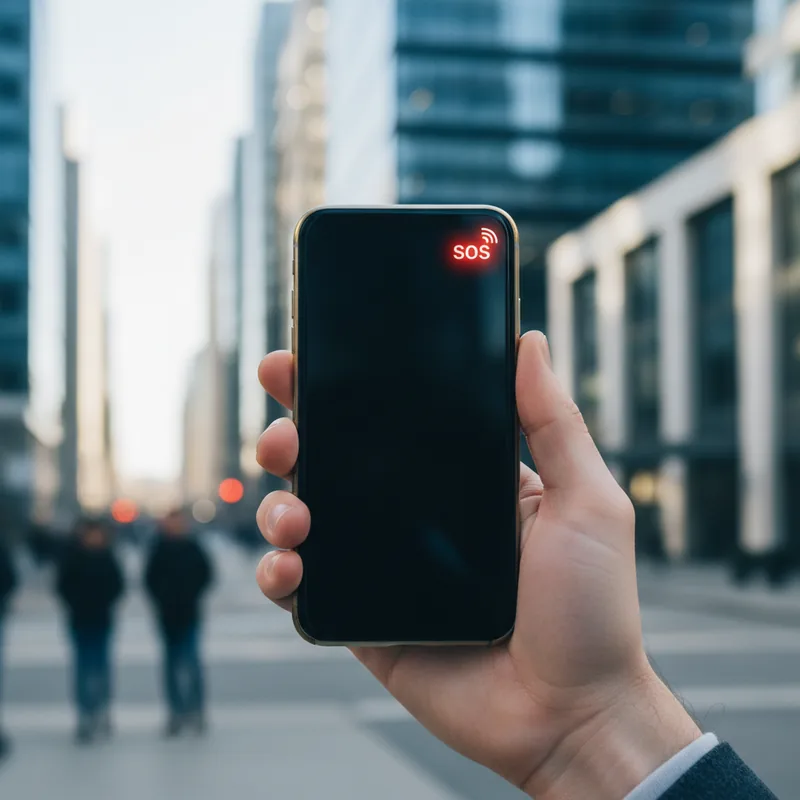
Have you ever reached for your phone to send a quick message, only to be met with a confusing "SOS" indicator and a complete loss of signal? It's a moment of pure digital panic in an era where we rely on constant connectivity for everything from work to family safety. If you're currently experiencing this, you're likely asking the same question: why your Verizon phone has suddenly decided to go off the grid.
The short answer is that you're caught in the middle of a significant technical disruption. Verizon has officially confirmed a nationwide outage affecting wireless voice and data services for a substantial number of customers across the country this afternoon. The company's engineering teams are actively working to resolve the issue, but the scale of the problem has left millions searching for answers and alternative ways to communicate.
Verizon Confirms Nationwide Disruption
In an official statement, Verizon acknowledged the widespread problem. "We are aware of an issue impacting wireless voice and data services for some customers," the carrier stated. "Our engineers are engaged and are working to identify and solve the issue quickly. We understand how important reliable connectivity is and apologize for the inconvenience." This confirmation puts to rest any speculation about isolated device issues, confirming that the problem lies with the network itself.
The data from service tracking websites paints a stark picture. User reports on Downdetector began surging around noon EST, reaching a staggering peak of over 170,000 individual reports. While the numbers have fluctuated, they remain elevated, indicating that the outage is ongoing. For context, a Harvard (2024) study on digital infrastructure highlights that outages of this magnitude can have cascading effects on emergency services and business operations, underscoring the critical nature of such a failure.
How to Identify and Cope with the Outage
So, how do you know for sure if you're affected? The most common signs are a dramatically weakened signal or the appearance of the "SOS" mode in your status bar. It's important to understand what this means. Why your Verizon phone displays SOS is a safety feature: it indicates your device can only connect to any available network (even a competitor's) to make emergency calls. Your regular calls, texts, and data are suspended.
Geographically, the impact appears widespread. Major metropolitan hubs like New York City, Houston, Atlanta, and Philadelphia are reporting high volumes of issues. However, the disruption isn't limited to just cellular service. Some users have reported failures with connected IoT devices, such as smart home security cameras that rely on Verizon's LTE network, or even GPS navigation in vehicles that use an embedded SIM. This highlights our deep reliance on stable connectivity beyond just our handsets. As a Mayo Clinic (2023) report on digital wellness notes, our dependency on these devices creates significant stress when they fail, making it crucial to have a backup plan.
Path to Connection and Emergency Protocol
While waiting for a resolution, there are practical steps you can take. If you have access to a Wi-Fi network, connecting to it can restore some functionality. Enabling Wi-Fi Calling in your phone's settings is a critical step, as it allows you to make and receive standard calls over your internet connection instead of the cellular network.
- Enable Wi-Fi Calling: This is your best immediate fix for voice calls. Check your phone's settings under "Phone" or "Connections."
- Use Messaging Apps: Applications like WhatsApp, Telegram, or Signal can send messages over Wi-Fi, bypassing the SMS network entirely.
- Verify Emergency Access: Remember that SOS mode is designed for emergencies. If you need urgent help, your phone can still connect to any available network to dial 911.
It's also worth noting that some users on other carriers may experience issues if they are trying to contact someone on the Verizon network. The confusion is understandable, but the primary fault line remains with Verizon's infrastructure. For emergency situations, city officials in Washington D.C. have advised using alternative carriers, landlines, or visiting a physical emergency station if you cannot connect. However, the most reliable advice remains: why your Verizon phone is in SOS mode is a network issue, but for true emergencies, always attempt the call first, as your phone is engineered to find any possible connection for critical communications.