Remember that feeling of dread when you considered switching phones? The digital equivalent of moving houses, only to realize your furniture won't fit through the new doors, and your photo albums are stuck in the attic of your old place. For years, moving between an iPhone and an Android device felt exactly like that--a daunting, data-losing ordeal. But here's the good news: apple google just made a significant move to dismantle those digital walls, making the once-arduous process of transferring your entire digital life between ecosystems surprisingly simple. This collaboration means you can now move photos, messages, and apps with unprecedented ease, directly within iOS 26.3.
The Invisible Walls of Tech Ecosystems
For a long time, tech companies designed their platforms to be sticky. Once you were in, you were in. Think about trying to switch from a specific car brand, only to find your custom entertainment system or smart home integration only works with that one manufacturer. It's not about technological limitation; it's a business strategy. Apple, for instance, didn't make it easy to migrate to Android because, well, why would they want you to leave? This created a sense of digital lock-in, where users often stuck with a platform not out of preference, but out of fear of losing years of precious memories, contacts, and app data (Pew Research, 2023).
The friction wasn't just inconvenient; it was a barrier to choice. Imagine being unable to transfer your entire music library when you switch streaming services, or losing all your game progress if you move to a new console. This deliberate design made upgrading your phone feel less like an exciting new beginning and more like a high-stakes gamble with your digital identity. We've all been there, weighing the pros and cons of a new device against the sheer headache of data migration.
A New Era: Apple and Google Bridge the Divide
But times are changing. Thanks to evolving consumer expectations and increasing regulatory scrutiny (European Commission, 2024), this shift, apple google just made a collaborative effort to make switching platforms far more user-friendly. News of this partnership first surfaced last December, with Google rolling out early progress in Android Canary, their pre-release software. Soon after, Apple followed suit, integrating the transfer tool into the first beta of iOS 26.3. Now, with iOS 26.3 officially released, the promise of seamless migration is a reality.
This isn't just a minor update; it's a fundamental rethinking of how competing tech giants can work together for the user's benefit. It means that whether you're eyeing a new Samsung Galaxy, a Google Pixel, or any other Android OEM device, the path from your iPhone is now significantly smoother. No more complicated workarounds or third-party apps that only partially do the job. This intentional design choice signals a new chapter in smartphone interoperability.
Your Guide to Effortless iPhone to Android Data Transfer
Ready to make the leap? The process is surprisingly straightforward, thanks to the new tool. First, ensure your iPhone is updated to iOS 26.3. Then, navigate to Settings > General and scroll down to "Transfer or Reset iPhone." Tap this option, and you'll see a new choice: "Transfer to Android."
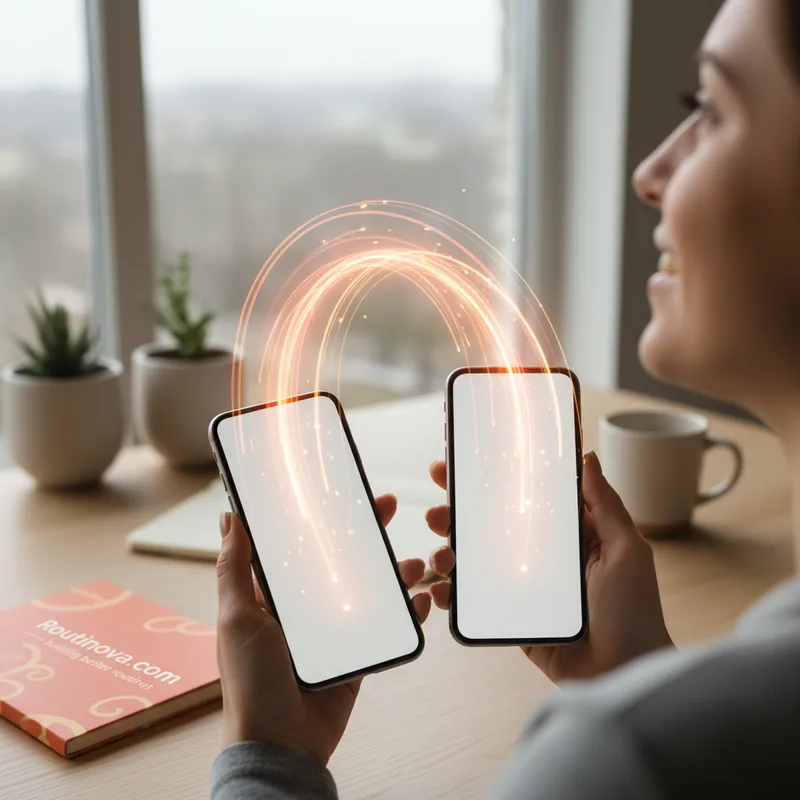
Your iPhone will then prompt you to place it next to your new Android device. This is where the magic happens. You'll be able to transfer a wide array of data, including your precious photos, extensive message history, contacts, calendars, and even call logs. Imagine moving your entire WhatsApp chat history without a hitch--a common pain point for many users (TechCrunch, 2023). However, it's important to note that certain "protected items," health data, and Bluetooth-paired devices cannot be transferred this way.
For a successful transfer, both devices need to be running their latest updates, connected to Wi-Fi, and have Bluetooth enabled. Crucially, your Android device must be in its initial "setup process." This means if your Android phone is already configured, you'll need to factory reset it to utilize this feature. Your iPhone will then ask you to scan a QR code displayed on your Android device, or you can manually enter a Session ID and Pairing Code. Once connected, you select the data you wish to migrate, tap "Continue," and even transfer your eSIM if applicable by double-clicking your iPhone's side button when prompted. While this specific feature streamlines iPhone-to-Android, the reverse still requires Google's "Move to iOS" app for now, though a similar protocol on Google's end is anticipated.
More Choice, Better for Everyone
While the cynic might suggest that apple google just made these changes under duress from antitrust regulators, the outcome is undeniably positive for consumers. This newfound flexibility means less stress and more freedom. It's a win-win: some iPhone users might finally feel comfortable exploring Android, while Android users, seeing the reduced friction, might be more inclined to try an iPhone. The fear of digital abandonment is significantly lessened.
Ultimately, more choice fosters healthier competition and encourages innovation that truly benefits the user, not just the platform. This collaborative step demonstrates that even fierce rivals can find common ground when the user experience is prioritized. It's a powerful message that the era of digital walled gardens may slowly be giving way to a more open, interconnected future.