Did you know the average smartphone user checks their device over 80 times a day? (Statista, 2023) If you're like most people, your phone isn't just a gadget; it's a central hub for productivity, connection, and even personal style. But how much of that interaction truly enhances your life, rather than just consuming your time?
Google aims to make every tap count with its latest March Pixel Drop, a significant update packed with features designed to transform how you interact with your Pixel phone and watch. From intuitive AI assistants to seamless device integration, here's what's new in a world where your technology truly works for you.
AI & Smart Assistance Redefined
The future of personal tech is here, and it's increasingly intelligent. Google's latest updates focus heavily on artificial intelligence, making your Pixel more proactive and intuitive. This isn't just about voice commands; it's about an AI that anticipates your needs and acts on your behalf.
One of the most exciting advancements is Gemini's expanded capabilities. No longer just a conversational chatbot, Gemini can now handle complex tasks for you. Imagine long-pressing your power button and asking Gemini to order flowers for a friend's birthday, find a recipe for chicken cacciatore, or schedule a reminder to pick up dry cleaning. This beta feature, currently exclusive to the Pixel 10 series, marks a significant leap towards truly agentic AI assistants (Stanford University, 2024).
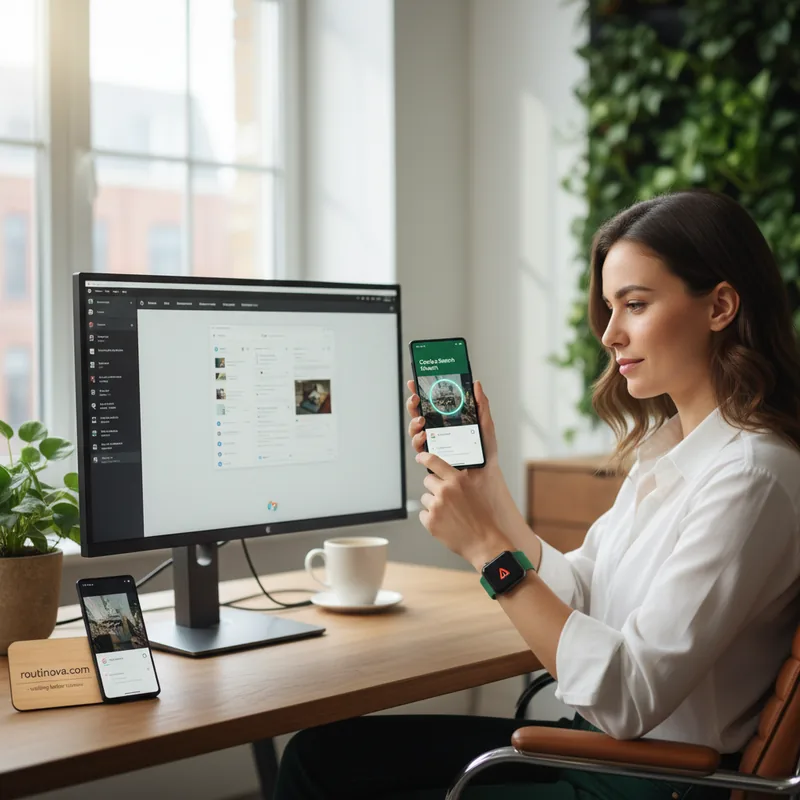
Circle to Search, a feature Pixel users already appreciate for its visual lookup power, gets an upgrade that feels straight out of a sci-fi movie. Instead of just identifying a single item, you can now circle an entire outfit on your Pixel 10 and Google will break down "every piece of the look." This means you can identify a specific type of plant in a nature photo, find the brand of a unique lamp in an interior design article, or even look up a historical monument seen in a travel documentary. It's a powerful tool for visual discovery, seamlessly integrating with Google's "Try It On" feature for virtual fashion exploration.
Context is king, and Magic Cue understands this perfectly. This AI feature offers timely suggestions based on your on-screen activity. For example, if a contact texts about needing caffeine, Magic Cue might suggest nearby coffee shops. Discussing a new film in a group chat could prompt an offer for movie showtimes, or if a friend mentions wanting to get outdoors, it could propose nearby hiking trails. It's a subtle yet powerful enhancement, though as with all generative AI, a quick double-check of suggestions is always wise.
Your Pixel's "At a Glance" widget is also smarter, providing critical information without unlocking your phone. It now updates you on the best route home, factoring in real-time transit delays, keeps tabs on live sports scores, and even offers updates on your financial portfolio. These passive, glanceable insights ensure you're always connected to what matters most.
Seamless Connectivity & Personalization
Beyond AI, Google is refining the everyday experience of owning a Pixel, focusing on deeper personalization and more intuitive device interaction. This section highlights how your Pixel integrates more smoothly with your life and other devices, and here's what's new in making those connections even stronger.
Remember the days when your incoming calls were just a generic screen? Android is now catching up to iOS with customizable Calling Cards. The latest Pixel Drop empowers you to design how your personal Calling Card appears when you call others, adding a touch of personality to every interaction. This feature allows for greater self-expression, making your phone truly "yours."
For travelers, the new Find Hub tracker integration is a game-changer. If you own a compatible tracker, you can now share its location with participating airlines to help locate lost luggage. While currently limited to a handful of airlines, this feature promises to reduce travel stress significantly, offering a much-needed layer of security for your belongings.
The beloved "Now Playing" widget, which passively identifies songs around you without an internet connection, has graduated to its own dedicated app. Once installed, your entire song identification history transfers seamlessly, creating a personal soundtrack of your life. This makes revisiting newly discovered tunes easier than ever, adding a delightful layer to your daily routine.
For those who love to express themselves, Google is bringing AI art styles to the home screen. You can now choose from five new AI-generated art styles to create custom app icons, making your home screen feel more unique and reflective of your aesthetic. Here's what's new in giving your phone a truly personalized look.
Pixel Watch users will appreciate a new layer of security: your wearable can now warn you if you accidentally leave your phone behind. An instant alert on your watch, combined with an automatic phone lock when out of range, provides peace of mind. This feature is available on Pixel 8 and newer, and Pixel Watch 2 and newer, offering a smart safeguard against lost devices (Tech Insights Report, 2024).
Refined Experiences & Future Glimpses
Google's commitment to refining the user experience extends to a suite of smaller, yet impactful, updates that enhance accessibility, creativity, and overall usability. These additions demonstrate a focus on comprehensive improvement across the Pixel ecosystem.
One of the most notable additions is a new desktop mode for Pixel phones (Pixel 8 and newer). Your smartphone can now transform into a multi-tasking workstation when connected to an external monitor. While still running Android, this feature allows you to run multiple apps side-by-side in free-form windows, much like a traditional computer. It's a powerful step towards true convergence, making your phone an even more versatile tool.
For creators and streamers, here's what's new in flexibility: you can now connect an external camera directly to your Pixel phone. This allows for diverse angles and higher-quality footage, significantly enhancing your live streaming and content creation capabilities. Imagine using a dedicated camera for a live tutorial while monitoring comments on your Pixel screen.
Other thoughtful changes include a new display color filtering mode that softens "high-intensity" hues for a more muted, comfortable viewing experience. Guided Frame, Android's AI-powered photography assistant, now supports more languages, making it accessible to a wider global audience. The Journal app receives new AI features, simplifying the process of capturing thoughts and experiences. Even Pixel Watch 3 users will gain Pixel Watch 4's one-handed gestures, allowing for actions like answering calls or pausing music with a simple double pinch or wrist turn.
These updates collectively underscore Google's vision for the Pixel ecosystem: a seamlessly integrated, intelligently assisted, and deeply personal technological companion. Here's what's new in making your daily digital interactions more intuitive and powerful than ever before.