You've probably been told to just 'plug it in' when your phone battery is low. But what if that simple advice is actually sabotaging your charging speed? We've all been there: staring at a painfully slow charging icon, desperate for enough juice to last the day. It's not just about convenience; it's about reclaiming your time and staying connected when it matters most. To make your phone charge faster, prioritize wired connections with the right high-wattage charger and cable, avoid using your device while it's powering up, and manage its temperature. Understanding these often-overlooked factors can transform your charging routine.
Embrace the Power of Wired Charging
Here's the thing: while wireless charging offers undeniable convenience, it simply can't compete with the raw speed of a wired connection. Think of it like a direct pipeline versus a slower, less efficient transfer. For instance, many flagship smartphones, like the latest Android devices, can pull up to 80W or even 120W through a cable, while their wireless counterparts often max out at 15W or 50W. That's a significant difference that can mean hours saved over the course of a week.
This speed disparity isn't just about raw power; it's also about efficiency. Wireless charging inherently loses more energy as heat during the conversion process from electricity to a magnetic field and back again (MIT Technology Review, 2023). A cable, on the other hand, provides a more direct and efficient power delivery, meaning less wasted energy and healthier battery cycles in the long run. So, if speed is your priority, ditch the wireless pad for now.
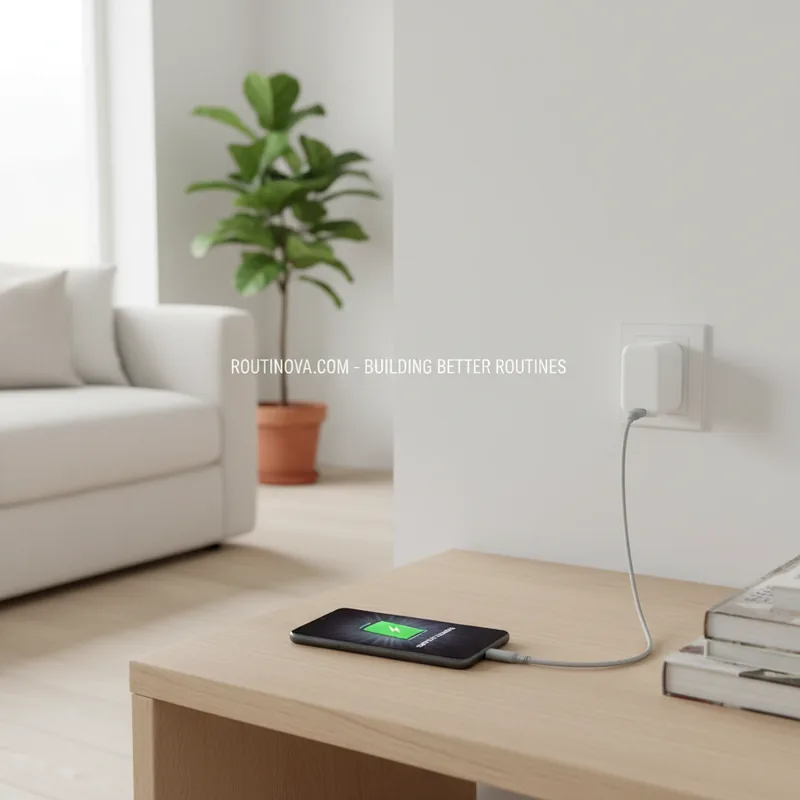
But here's where it gets even trickier: what you plug your phone into matters just as much as the cable. Wall sockets are designed to deliver consistent, high power, making them the gold standard for rapid charging. Conversely, options like laptop USB ports, USB hubs, or integrated ports on monitors typically supply much less power, turning a quick charge into a frustrating crawl. To truly make your phone charge faster, always aim for a direct wall outlet.
Select the Right Cable and Charger
In an age where many phones ship without a charger, the responsibility falls on you to choose wisely. Every modern smartphone has a specific fast-charging standard and a maximum charging rate it can handle. Your mission, should you choose to accept it, is to find a charger and cable that align perfectly with these specifications. It's like pairing a high-performance engine with the right fuel and transmission; anything less will bottleneck the potential.
Consider a brand like Anker or Belkin, renowned for their third-party charging solutions. They often clearly label their chargers with wattage (e.g., 65W, 100W) and support for standards like USB Power Delivery (PD) or Qualcomm Quick Charge. While an iPhone might come with a 20W charger, upgrading to a 35W or even 60W USB-PD compatible block (if your phone supports it) can dramatically reduce charging times (Consumer Reports, 2024). This is one of the crucial five ways to make your phone charge faster.
And don't forget the cable! A cheap, thin cable might look identical to a robust, fast-charging one, but its internal wiring can't handle the higher wattage, effectively throttling your charging speed. Always look for cables rated for the power delivery you expect. While your phone has built-in safety features to prevent overcharging, using an underpowered cable or charger will simply result in slower speeds, not damage. For optimal results, stick with the cables that come in the box or officially certified alternatives.
Optimize Usage While Powering Up
This brings us to something unexpected: your own interaction with the device. Think about it: if you're actively scrolling through TikTok, streaming videos, or battling virtual enemies while your phone is plugged in, you're essentially asking it to charge and discharge simultaneously. This constant power draw significantly reduces the net charging speed, making the process painfully slow. It's a common oversight, yet one of the easiest of the five ways to make your phone charge faster.
The solution? Put your phone down. If you can, leave it undisturbed. For even better results, activate airplane mode or a dedicated low power mode. These settings drastically cut down on background processes, network activity, and screen demands, allowing nearly all incoming power to focus on replenishing the battery. For the absolute fastest charge, power it off entirely. Those notifications and messages can wait a few minutes while your device gets a much-needed boost (University of California, Berkeley, 2022).
Monitor Temperature and Port Hygiene
Your phone's battery is a finicky thing when it comes to temperature. Both extreme heat and extreme cold can trigger internal safeguards that slow down charging speeds to protect the battery from damage or premature degradation. Leaving your phone on a sunny windowsill, next to a heater, or in a freezing garage while charging will actively work against your goal of a rapid power-up. This is a critical one of the five ways to make your phone charge faster that many overlook.
To help maintain an optimal temperature, consider removing any bulky case from your phone while it's charging. Cases can trap heat, causing the battery temperature to rise unnecessarily. For example, during a recent heatwave, a user found their device charging significantly slower until they removed its thick protective case, allowing for better heat dissipation. Even a slight increase in ambient temperature can impact charging efficiency.
Beyond temperature, a common culprit for slow charging is a dirty charging port. Over time, lint, dust, and debris accumulate inside the USB-C or Lightning port, creating a slightly imperfect connection. This can lead to inefficient power transfer and slower charging. A quick, careful clean with a non-conductive tool (like a wooden toothpick or a blast of compressed air) can often resolve surprisingly persistent charging issues, ensuring your connection is as robust as possible.
Understand and Monitor Your Charging
How do you know if you're actually succeeding in your quest for faster charging? Both Android and iOS offer ways to monitor your battery's replenishment rate. On Pixel or Galaxy phones, a quick glance at the lock screen often provides a charging message indicating whether it's 'Fast Charging' and an estimated time until full. This immediate feedback helps you gauge the effectiveness of your efforts.
For more detailed information on most Android devices, navigate to the Battery page in Settings. While the specifics vary by manufacturer, you'll typically see whether fast charging is active and a more precise estimate for a full recharge. While you might not get an exact wattage reading directly, these indicators are invaluable. One of the best third-party Android apps for this is Ampere; it provides real-time current and voltage readings, allowing you to calculate wattage (current x voltage / 1,000) and truly understand your charging performance.
Apple's iOS, unfortunately, offers less granular detail. While you can check the Battery section in Settings for an estimated charge time, you won't find real-time wattage. However, iPhones will display a 'slow charger' message if the connected power source isn't providing the optimal rate for your device. This serves as a clear signal that you might need to reconsider your cable or adapter. Implementing these five ways to make your phone charge faster isn't just about plugging in; it's about smart, informed charging.