If you've ever found yourself wishing you could dial down the instructor's chatter on your Peloton class to crank up the music, you're not alone. Many users love the energy of instructor-led workouts but find the constant commentary a distraction. Fortunately, there's a simple yet powerful way to tailor your audio experience, turning an otherwise generic class into a personalized session. This little-known Peloton feature allows you to customize the instructor's volume, offering a solution for those who prefer a more music-driven workout or need to focus on specific cues without the extra yap.
Mastering Your Peloton Audio Mix
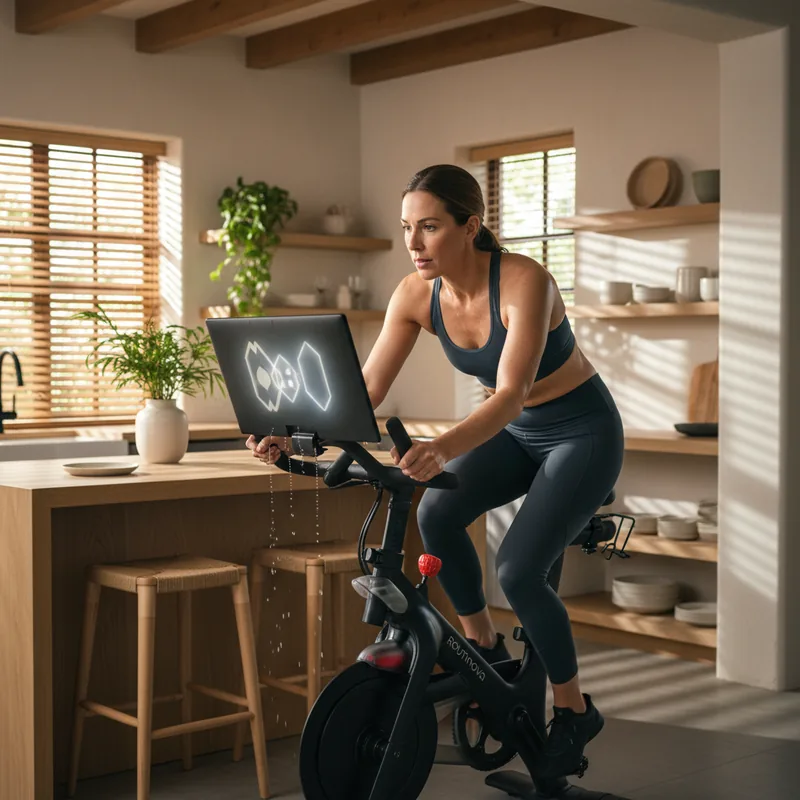
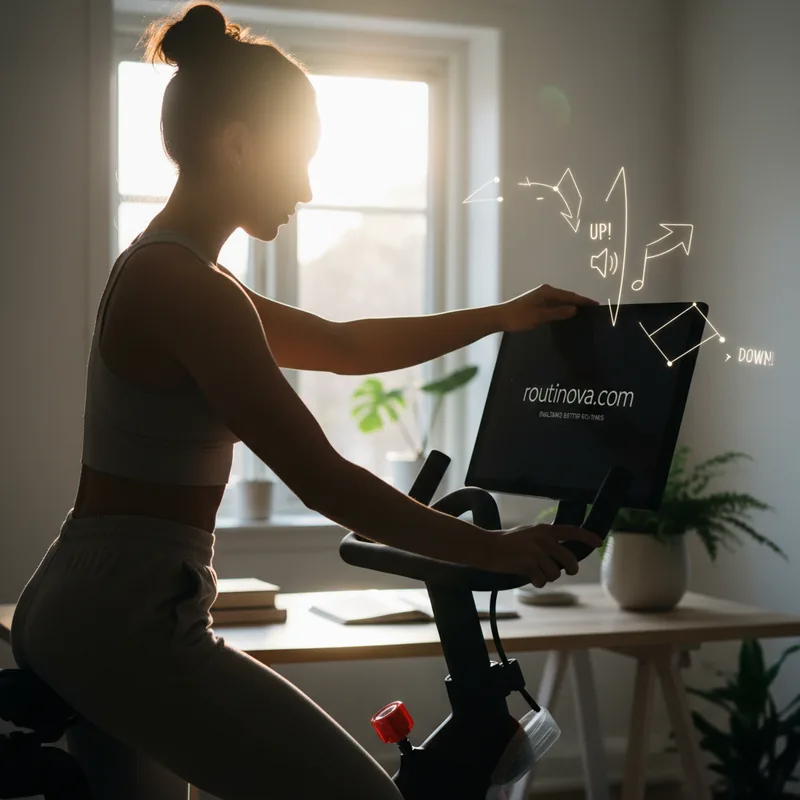
For those using Peloton's signature Bike or Tread equipment, customizing the audio is straightforward. When you adjust the volume using the physical buttons on the touchscreen, you'll notice options beyond just the overall sound level. Look for "Boost instructor" and "Customize". Tapping "Customize" reveals a slider that provides granular control. You can significantly reduce the instructor's voice, making the music playlist the star, or amplify their cues to ensure you catch every detail. This allows you to create an audio environment that perfectly suits your workout mood and focus level.
Even if you're using the Peloton app for classes like yoga or stretching on a non-Peloton device, a similar audio adjustment is possible, though it offers slightly less precision. Once a class is loaded and playing, tap the video screen to bring up the control icons. You'll see options for full-screen, volume, AirPlay, and subtitles. Select the volume slider (the second icon from the left). This opens the "Audio Mix" box, where you can choose between "Music Boosted" or "Instructor Boosted". While you can't fine-tune the balance as intricately as on the equipment, you can still prioritize either the music or the instructor's voice to enhance your experience.
Imagine you're tackling a challenging interval ride. You might want to turn down the instructor slightly to let the high-energy playlist fully motivate you through those tough sprints, focusing on the on-screen metrics for guidance. Conversely, if you're learning a new yoga pose, you might boost the instructor to catch every subtle cue about alignment and breath, even if it means the background music takes a backseat.
This little-known Peloton feature is a game-changer for anyone who feels overwhelmed by constant instructor chatter. It empowers you to create a workout environment that truly resonates with your personal preferences, making each session more enjoyable and effective. For instance, a user training for a marathon might choose to prioritize the instructor during tempo runs to ensure they're hitting the exact paces prescribed, while during recovery jogs, they might boost the music to make the miles feel easier.
Finding Your Perfect Workout Balance
Peloton instructors are renowned for their personalities, fostering a sense of connection that many users find motivating. This parasocial element can be a significant driver for consistent engagement, especially in the isolating world of at-home fitness (Peloton, 2024). However, not everyone seeks that level of connection; some simply want to exercise with minimal external input. This little-known Peloton feature addresses that need directly.
Traditionally, avoiding instructor talk meant curating your own playlists or opting for scenic rides, but this often meant sacrificing the structure and professional guidance of a planned workout. By adjusting the instructor volume, you can now enjoy a professionally designed class, complete with suggested resistance and speed cues displayed on screen, while listening to a playlist that *you* prefer. This means you can follow a structured workout aligned with your fitness goals without the need to manually curate music, striking a balance between guidance and personal preference.
Consider a cyclist who loves the structure of Peloton's Power Zone classes but finds the instructor's motivational tangents distracting during intense efforts. They can use this feature to reduce instructor volume, allowing the music to drive their intensity while still benefiting from the precise Power Zone targets shown on screen. This demonstrates how this little-known Peloton feature can cater to diverse training styles and preferences.
However, it's crucial to remember that instructors are certified professionals for a reason. They provide vital safety cues, explain the 'why' behind workout structures, and offer insights that can improve your self-led workouts (Smith, 2023). For beginners, it's highly recommended to keep instructor volume high, especially when learning proper form, speed control, and self-pacing techniques. A new user might even benefit from boosting the instructor feed and lowering the music, prioritizing safety and correct execution over musical enjoyment. Riding to the beat will come with practice, but mastering the fundamentals safely is paramount.
If you're new to Peloton and find the instructor chatter overwhelming, explore filtering options to find instructors known for being more concise, such as Ben Alldis or Sam Yo. Specialty classes like Metrics classes also tend to focus more on performance data with less talking. Ultimately, finding an instructor whose style and cues best align with your learning and motivational needs is key. This little-known Peloton feature simply adds another layer of customization to make your experience truly your own.